Web Scraping Python vs Nodejs: Which Should You Choose?
Cover Image
Introduction
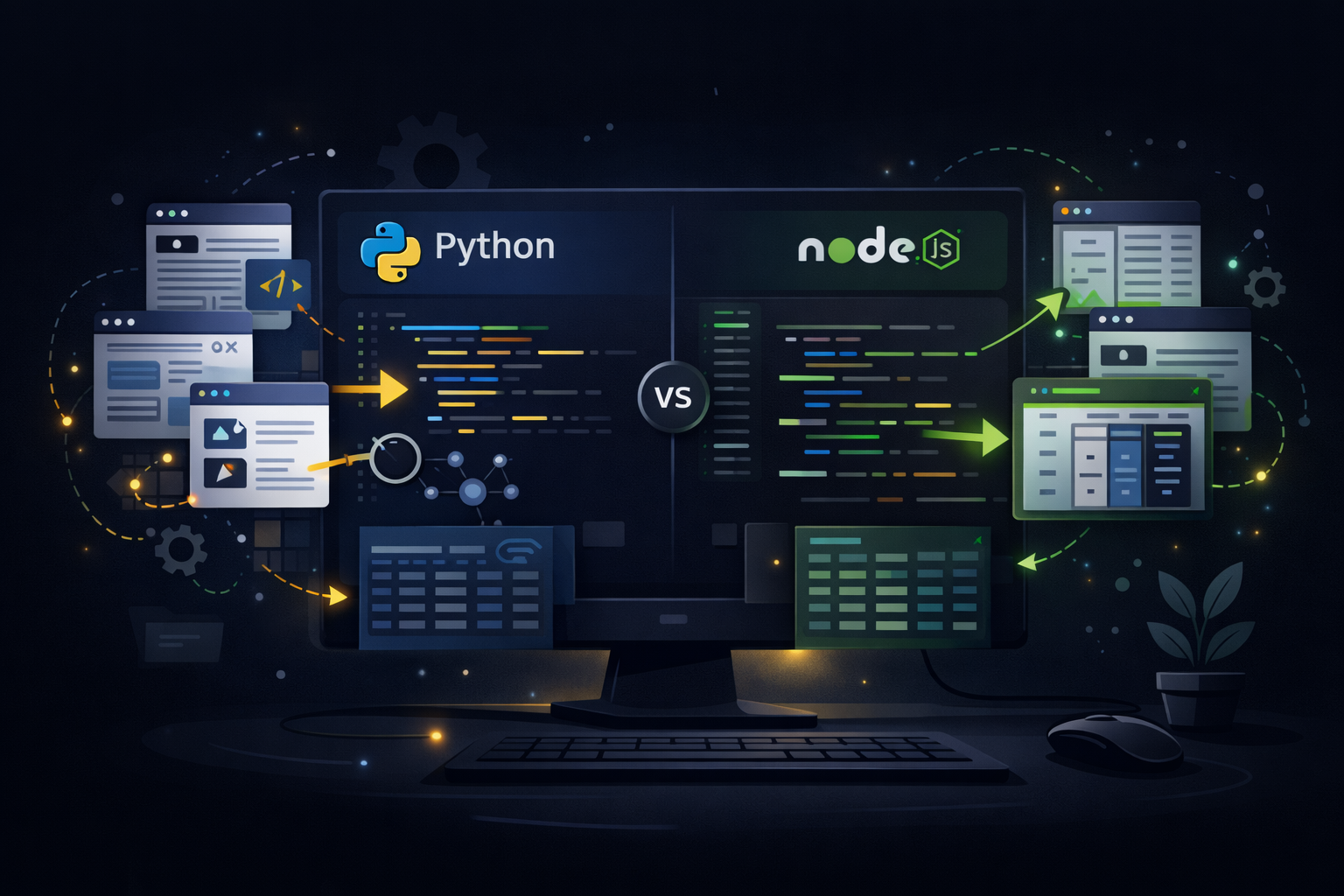
You've got a target website, a clear data goal, and a deadline. The question is: which programming language do you reach for? Python's been the undisputed king of scraping for years, but Node.js has been gaining ground fast. So which one actually delivers better results in 2026?
The answer isn't simple—and it shouldn't be. Both ecosystems have legitimate strengths depending on your use case. In this post, we'll cut through the noise and give you a clear framework for choosing the right tool. By the end, you'll know exactly when to reach for Python and when Node.js makes more sense.
💡 TL;DR: Choose Python for complex parsing, large-scale crawling, and data processing pipelines. Choose Node.js for JavaScript-heavy projects, real-time scraping, and when you need unified full-stack code.
Why This Comparison Matters
Web scraping isn't just about fetching HTML anymore. Modern scraping involves:
- Dynamic content rendering (React, Vue, Angular sites)
- Anti-bot detection bypass
- Rate limiting and polite crawling
- Data cleaning and transformation
- Pipeline integration with databases or APIs
Your choice of language impacts how easily you can handle each of these. Let's break it down.
Python for Web Scraping
The Ecosystem Advantage
Python's scraping ecosystem is mature and battle-tested. Here's what you're working with:
                      # Classic request + Beautiful Soup approach
                        import requests
                          from bs4 import BeautifulSoup
                            url = "https://example.com/products"
                              response = requests.get(url, headers={"User-Agent": "Mozilla/5.0"})
                                soup = BeautifulSoup(response.text, "html.parser")
                                  for product in soup.select(".product-card"):
                                    name = product.select_one(".product-title").text
                                      price = product.select_one(".price").text
                                        print(f"{name}: {price}")
                                          # Playwright for dynamic content (Python)
                                            from playwright.sync_api import sync_playwright
                                              with sync_playwright() as p:
                                                browser = p.chromium.launch()
                                                  page = browser.new_page()
                                                    page.goto("https://example.com/dashboard")
                                                      # Wait for React to render
                                                        page.wait_for_selector(".data-table")
                                                          data = page.evaluate("""() => {
                                                            return Array.from(document.querySelectorAll(".data-row"))
                                                              .map(row => row.innerText);
                                                                }""")
                                                                  browser.close()
Key Python Libraries
Library Best For
Puppeteer
Headless Chrome control
Playwright
Cross-browser automation (Microsoft's Puppeteer alternative)
Cheerio
jQuery-like DOM manipulation (lightweight)
Axios
HTTP requests
Got/Undici
Modern fetch alternatives
Crawlee
Scraping framework with anti-detection
Strengths of Python
- Rich data processing — Once you've scraped the data, Python's Pandas, NumPy, and data science stack make transformation trivial
- Scrapy framework — Built-in concurrency, retry logic, middleware, and crawling policies—no reinventing the wheel
- Beautiful Soup's flexibility — forgiving HTML parsing even when websites are malformed
- Massive community — Stack Overflow answers, tutorials, and pre-built scrapers for nearly any site
Weaknesses of Python
⚠️ Warning: Python's asynchronous support is improving but still less natural than Node.js for real-time, event-driven scraping.
- GIL limitations — True parallelism requires multiprocessing, which adds complexity
- Slower startup — For small, quick scripts, Python's import time can feel sluggish
Node.js for Web Scraping
The JavaScript Native Approach
If you're already a JavaScript developer, staying in the same ecosystem is a huge productivity win:
                                                                                            // Puppeteer with async/await
                                                                                              const puppeteer = require("puppeteer");
                                                                                                async function scrapeProducts(url) {
                                                                                                  const browser = await puppeteer.launch({ headless: "new" });
                                                                                                    const page = await browser.newPage();
                                                                                                      await page.goto(url, { waitUntil: "networkidle0" });
                                                                                                        const products = await page.evaluate(() => {
                                                                                                          return Array.from(document.querySelectorAll(".product-card")).map(card => ({
                                                                                                            name: card.querySelector(".product-title")?.textContent,
                                                                                                              price: card.querySelector(".price")?.textContent
                                                                                                                }));
                                                                                                                  });
                                                                                                                    await browser.close();
                                                                                                                      return products;
                                                                                                                        }
                                                                                                                          scrapeProducts("https://example.com/products")
                                                                                                                            .then(data => console.log(data));
                                                                                                                              // Cheerio for static content (lightweight)
                                                                                                                                const axios = require("axios");
                                                                                                                                  const cheerio = require("cheerio");
                                                                                                                                    async function scrapeStaticPage(url) {
                                                                                                                                      const { data } = await axios.get(url);
                                                                                                                                        const $ = cheerio.load(data);
                                                                                                                                          const titles = $("article h2")
                                                                                                                                            .map((i, el) => $(el).text())
                                                                                                                                              .get();
                                                                                                                                                return titles;
                                                                                                                                                  }
Key Node.js Libraries
Library Best For
Puppeteer
Headless Chrome control
Playwright
Cross-browser automation (Microsoft's Puppeteer alternative)
Cheerio
jQuery-like DOM manipulation (lightweight)
Axios
HTTP requests
Got/Undici
Modern fetch alternatives
Crawlee
Scraping framework with anti-detection
Strengths of Node.js
- Native async/await — Non-blocking I/O is built into the runtime; scraping dozens of pages concurrently feels natural
- Same language as your frontend — Share code, utilities, and types between your scraper and web app
- Fast startup — JavaScript's V8 engine starts scripts quickly
- Great for real-time — WebSocket integration, streaming data processing, and live dashboards are easier
Weaknesses of Node.js
- Smaller scraping ecosystem — Fewer specialized tools compared to Python
- Memory usage — Can eat RAM with large-scale concurrent operations
- DOM parsing — Cheerio is great but doesn't handle malformed HTML as gracefully as Beautiful Soup
🚀 Pro tip: Use puppeteer-extra-plugin-stealth to reduce detection when scraping protected sites.
Performance Comparison
Here's how the two compare in typical scenarios:
| Metric | Python | Node.js |
|---|---|---|
| Simple static pages | ✅ Fast | ✅ Fast |
| JavaScript-heavy sites | ✅ Playwright | ✅ Puppeteer |
| Large-scale crawling (1000+ pages) | ✅ Scrapy excels | ⚠️ Needs careful optimization |
| Concurrent requests | ⚠️ asyncio/threading required | ✅ Native async |
| Data processing/Pandas | ✅ Superior | ❌ Limited |
| Startup time | ⚠️ Slower | ✅ Faster |
The real-world difference often comes down to what you do after scraping. If you're feeding data into a machine learning pipeline, Python wins. If you're building a real-time dashboard, Node.js has the edge.
When to Choose Python
- Data analysis downstream — Your scraped data needs cleaning, analysis, or ML processing
- Enterprise scraping — Scrapy provides production-grade features out of the box
- Complex parsing — Beautiful Soup handles broken HTML that would stump other parsers
- Learning curve — More tutorials and examples available for beginners
When to Choose Node.js
- Full-stack JavaScript teams — No context switching between frontend, backend, and scraper
- Real-time scraping — Live data feeds, WebSocket integration, streaming
- API-first architecture — Need to expose scraped data via REST/GraphQL immediately
- Speed matters for small tasks — Quick scripts that run frequently
Conclusion
Here's the bottom line: there's no universal "better" choice for web scraping. Python vs Node.js is really about matching your tooling to your specific workflow.
If your project involves heavy data processing, complex parsing logic, or scale crawling—Python's ecosystem has your back. If you're building real-time pipelines, working in a JavaScript stack, or need to move fast on smaller scraping tasks—Node.js delivers.
The good news? Both approaches work. Pick the one that fits your team, your stack, and your data goals.